



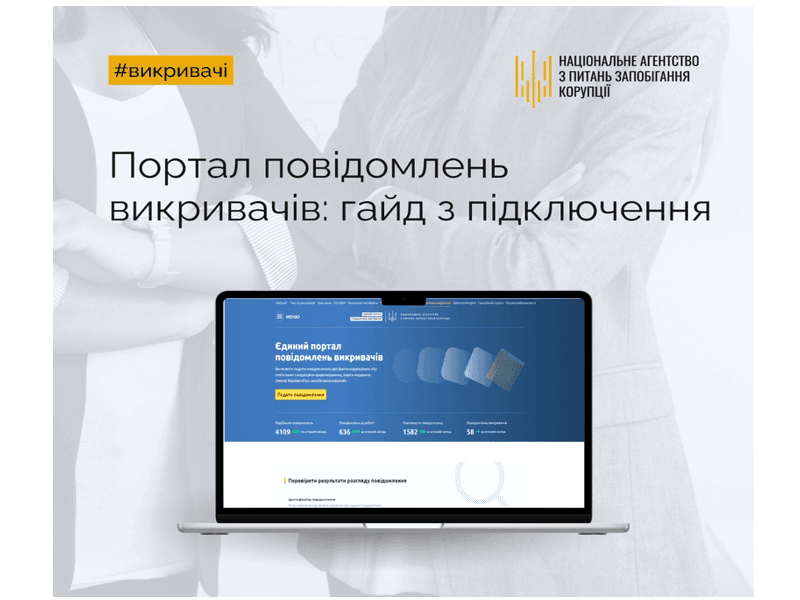
The Whistleblower Portal has been operational for over a year, with more than 7,500 organizations currently connected and over 4,100 reports submitted.
To assist users in effectively utilizing this digital service, the NAPK has created new Guidelines for efficient organization with the Unified Whistleblower Portal.
What steps must a manager take to connect their organization to the Portal?
Initially, send a formal request letter to the NAPK for permission to connect your organization;
Upon receiving this permission, visit the following link:https://id.eppv.nazk.gov.ua/and log in using either a file or hardware key. The system supports the following key formats: .jks, .pfx, .pk8, .zs2, .dat.
For further actions in the system, please follow these steps:
- enter your email address on the main page and click the «Confirm» button;
- click on the «Get Confirmation Code» button;
- a confirmation code will be sent to your email. You need to enter and confirm it on the portal;
- after confirming your email address, click the «Confirm» button again.
If the authorization is successful, the system will automatically redirect you to the personal cabinet of the organization's Manager.
For more detailed information on connecting to the Portal, visit:https://nazk.gov.ua/uk/83112/